Introducing VitalityApp: Your Holistic Wellness Companion
Updated 6 min read
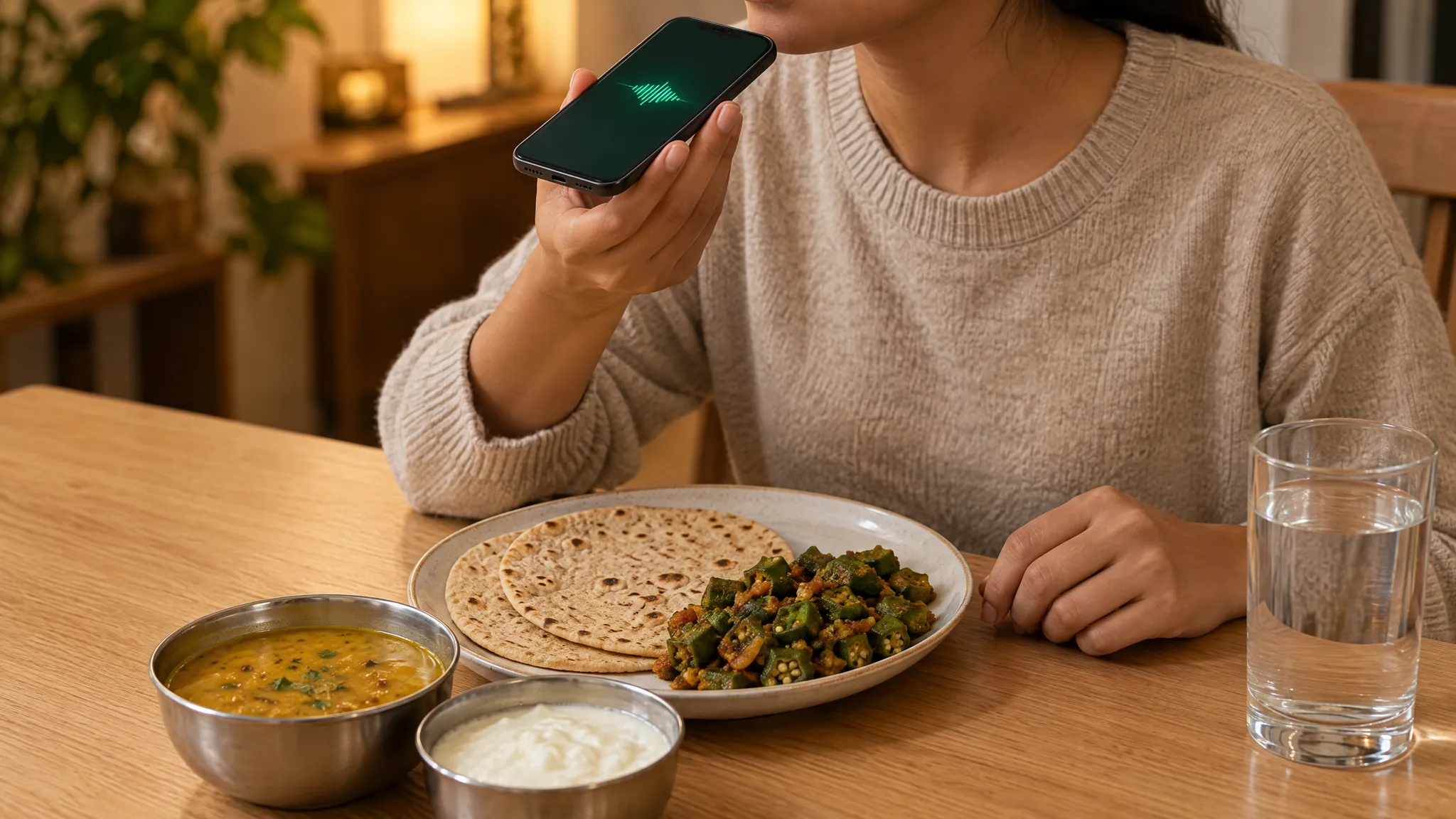
Most nutrition apps were designed a decade ago, when logging a meal meant scrolling a spreadsheet of food names and guessing portion sizes. VitalityApp takes a different approach: you type or say what you ate, such as "2 roti, dal and a katori of curd", and its AI estimates the calories, protein, carbs, fat and fibre of each item.
This post walks through what VitalityApp actually does, how the pieces fit together, and who tends to get the most out of it.
How VitalityApp is built
VitalityApp is organised around three things most people want from a health app: log meals quickly, track workouts and body metrics in one place, and see real patterns over time. The app is available on iPhone, Android and the web, and your account syncs across them.
The key design choices:
- Describe the meal, don't search for it. Type the whole meal in one line, or say it with Plus, and check each item before you save it. Photo, barcode and nutrition-label scans are there too: 2 a month in total on the free plan, and up to 50 a day on Plus.
- No ads, and your data isn't sold. VitalityApp doesn't use your data for advertising, and meal photos aren't saved to your account: only the foods found in them are logged.
- No human coaches. The AI Coach answers questions from your own logs: 3 replies a month on the free plan, and the full coach with the optional Plus subscription. It's an AI, not a dietitian or doctor.
1. Meal logging by typing or voice
Type or say the meal, then check each item and adjust its grams if you need to.
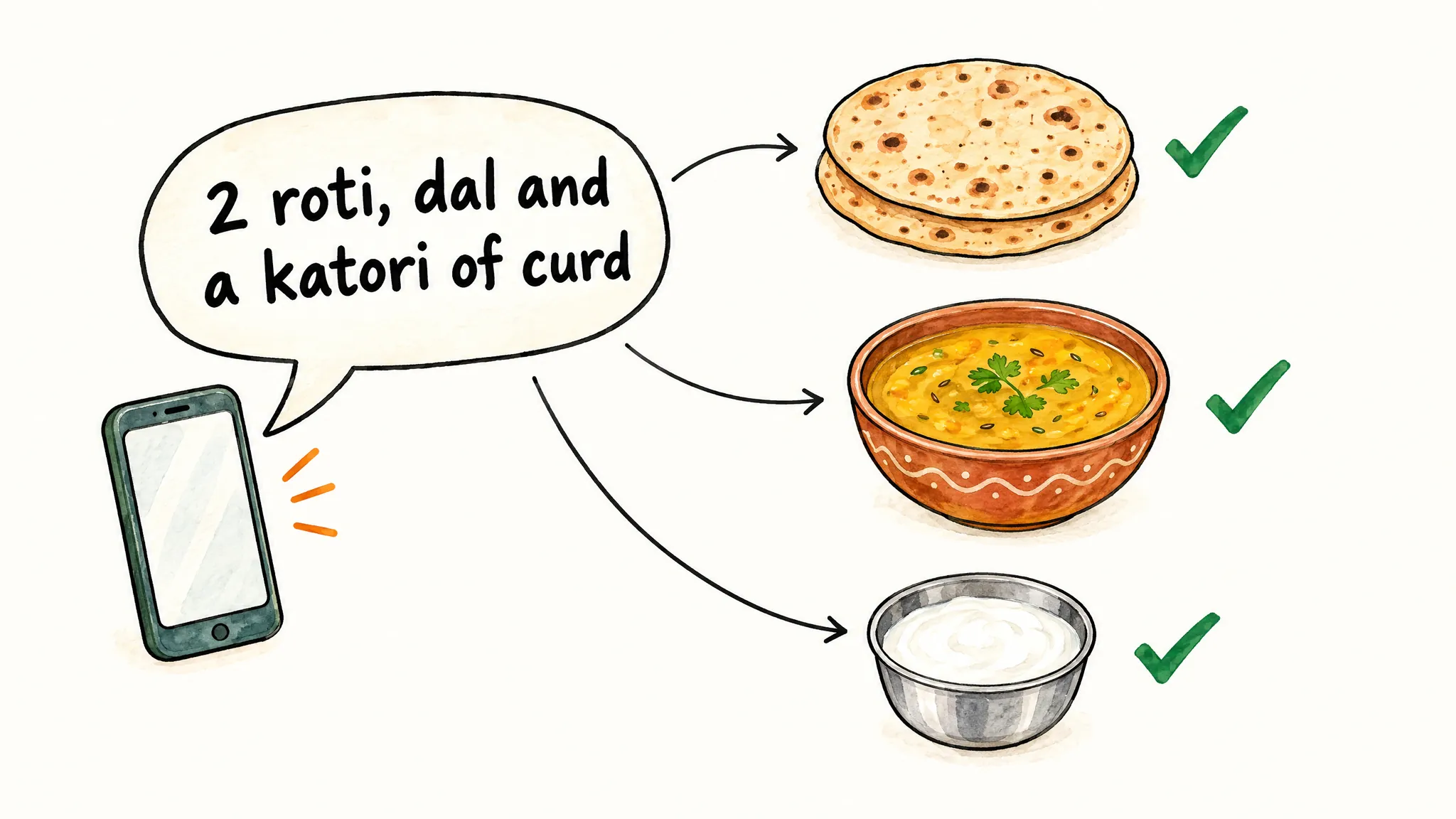
For every food, VitalityApp shows:
- Calories, protein, carbs, fat and fibre, and how your day adds up against your targets
- With Plus, 14 more nutrients, including iron, calcium, vitamin D, vitamin B12, sodium and sugar
Typing meals is free, with a fair-use limit of 50 AI food searches a day on every plan, and voice input is part of Plus. Recent meals and My Saved Meals make the meals you eat often one tap.
If you want to learn more about what these numbers mean and how to act on them, the food and nutrition basics guide is a good place to start. For Indian meals in particular, see how to count calories in Indian food.
What it's good at: home-cooked meals, regional dishes, restaurant plates, snacks and most common foods.
What you'll still want to double-check: dishes with hidden fat (dal with a spoon of ghee, curries with cream, dressings on salads) and very small portions, where a gram or two swings the numbers. Mention the oil or ghee and the portion when you can, and edit any estimate before saving. For more on where AI estimates miss and why, see how accurate AI photo calorie counting is.
2. Workout and activity tracking
Log workouts directly or let them flow in from the health app you already use:
- iPhone: Apple Health. VitalityApp reads steps, active energy, workouts, sleep, weight and body fat, plus resting heart rate and heart rate variability, and writes your meals, water, workouts, sleep and body measurements back.
- Android: Health Connect. VitalityApp reads steps, active calories, workouts, sleep, weight and body fat, and writes the same kinds of data back as on iPhone. Heart rate isn't read on Android.
- Manual: pick from 1,085 illustrated exercises and log sets, reps and weight, or describe cardio with a duration, such as "30 min brisk walk", and VitalityApp estimates the calories burned.
Workouts show up on the same day as your meals, so you can see how nutrition and movement line up on any given day.
3. Body metrics, water, sleep and trends
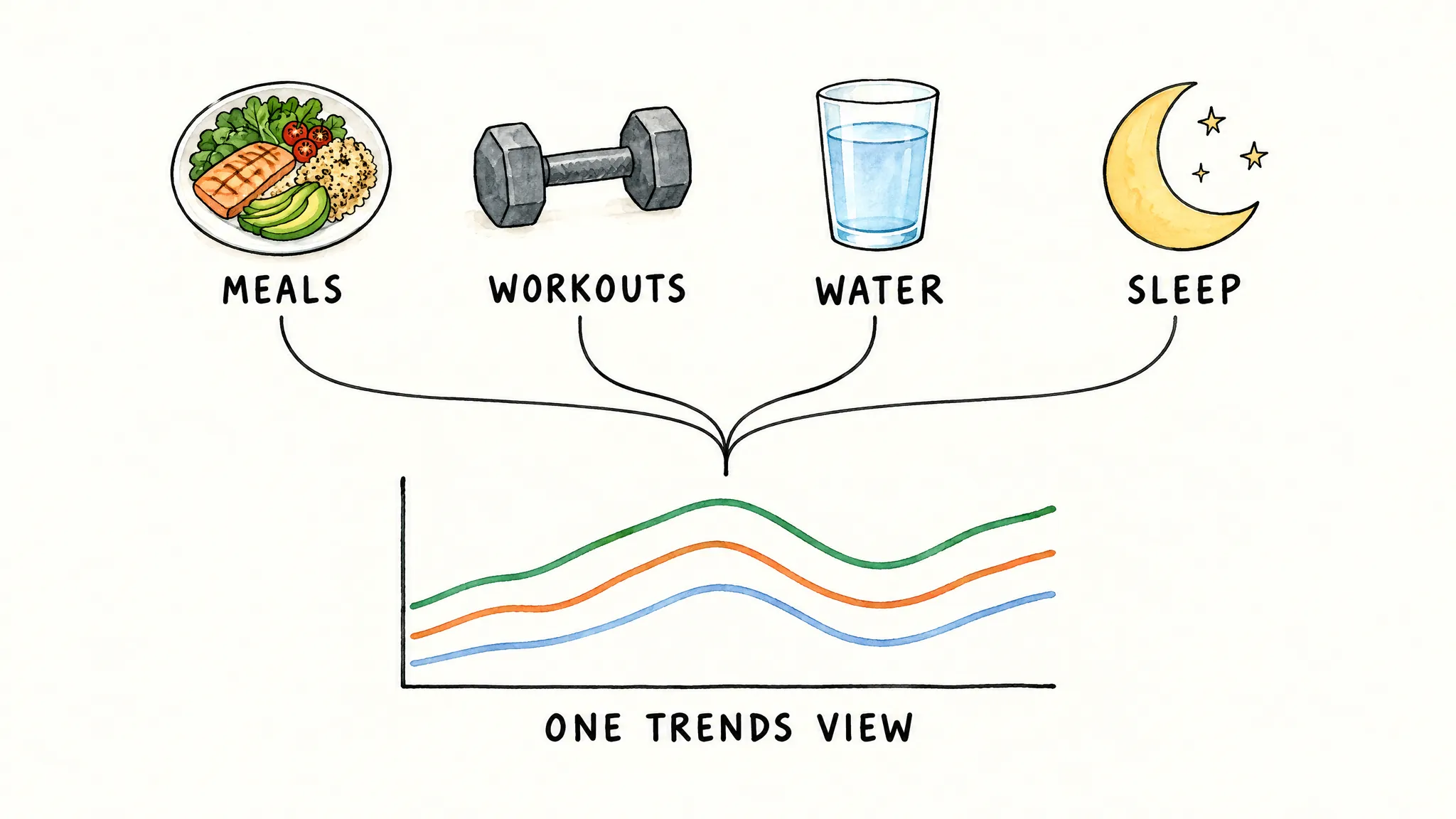
Weight, body measurements, water and sleep all live in the same app. Nothing groundbreaking on its own: the value is that one Trends view shows sleep, water, workouts, calories and macros together, which is how most patterns actually show up (for example, "I sleep worse on nights I eat late" or "I lift heavier on higher-carb days").
Who VitalityApp is for
VitalityApp is a good fit if you want to:
- Log meals with minimal friction (one line of text instead of a search for each food).
- See protein for every food you eat, against your own daily target.
- Track without a human coach having access to your logs.
- Use a free plan with no ads, and pay for Plus only if you want the full AI Coach and its extras.
- See nutrition, workouts and body metrics in one place rather than across three apps.
It's probably not the right fit if you want a human nutritionist messaging you, meal plans made for you, or social features like group challenges and feeds. For a side-by-side look at how this compares with a human-coaching product, see VitalityApp vs HealthifyMe.
Getting started
- Download VitalityApp on iPhone or Android, or open the web app.
- Set your goals in onboarding: current and target weight, activity level, and calorie and macro targets, worked out for you or set yourself.
- Log your next meal by typing it, or by saying it if you have Plus.
- Connect Apple Health or Health Connect if you already use a watch or another health app.
A week of consistent logging is usually enough to start seeing useful trends. Two to three weeks is where the patterns (calorie drift, protein gaps, training days vs rest days) become actionable.
Keep reading
- Protein tracker: setting a daily protein target and seeing where your protein comes from.
- Food and nutrition basics: macros, micros, and how to build a balanced plate.
- How accurate is AI photo calorie counting?: where photo estimates hold up and where they miss.
- VitalityApp vs HealthifyMe: AI-first tracking vs a coaching-led platform.